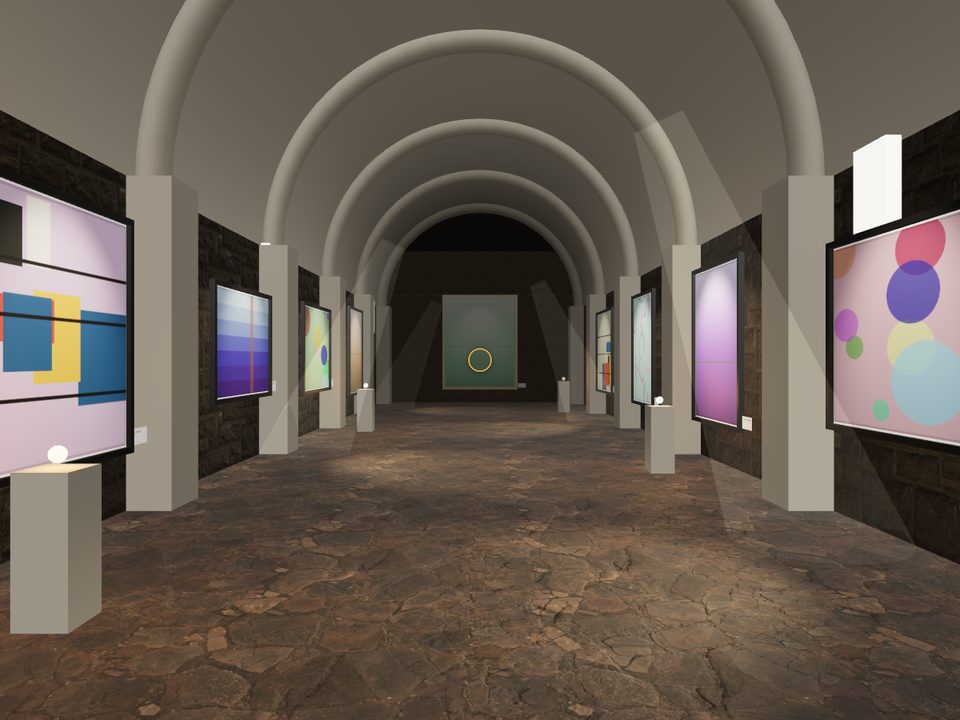
Why an online exhibition
- No dates, no rent: the room is always open.
- Visitors from anywhere, on phone or computer.
- Sales on the spot: every work can be bought without leaving the room.
- Content to talk about: “visit the exhibition” is a link people share.
Choose the room
InGallery has two formats. The corridor, a walk that moves forward with the scroll, with eleven architectures. And Spaces, eight free-roam rooms —Atrium, Water Pavilion, Paper House, Crypt, Sunset Loft, White Cube, Concrete Hall and Night Room— where visitors walk around and step up to each work.
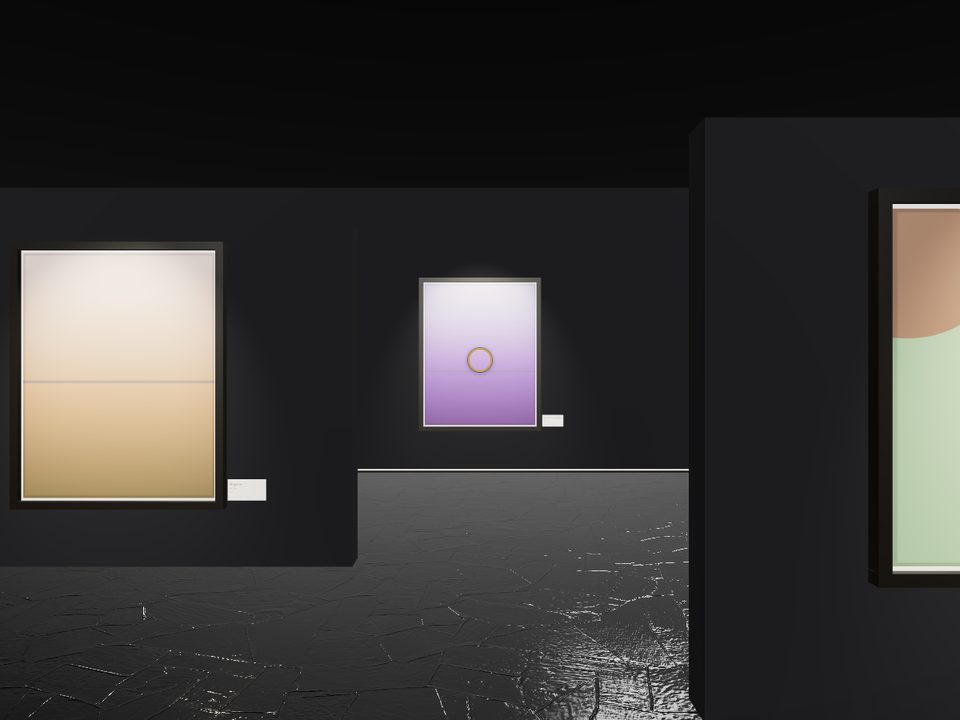
Curate by tag
An exhibition is a selection. In Spaces you create your own rooms in the style of any of the eight and fill them by Shopify tag: one room per artist, per series or per season. The room grows with the number of works.
A gallery per artist
On the Premium plan each artist gets their own walk-through, and from any of their product pages visitors go straight into their gallery. For galleries representing several artists, it's how you give each one a solo show.
Take care of the entrance
The cover is the first thing visitors see while the room loads. There are twelve —“The door”, “The lights come on”, “Slideshow”, “Developing”…— and all of them advance with real loading, with your logo and welcome message.
Spread the word
Share the link to your gallery on social, in newsletters and in ads, and see in the analytics which works get looked at, which are added to the cart and which sales come from the room. To sell without anyone stepping inside, the “Immersive storefront” block places a gallery wall with works from a collection on any page of your store.
A room that doesn't exist? Made to measure
If the exhibition calls for its own architecture —your space, your brand or a specific installation— we design custom galleries with your materials, your light and your identity. Write to hola@ingallery.app.
Frequently asked questions
Yes. In Spaces you fill each room by Shopify tag, so you can show a series, an artist or a season.
Yes. Every work has its label with a buy button to the real Shopify cart.
Yes, we design custom galleries. Write to hola@ingallery.app.